1.6. How to add a new document?
Please follow steps:
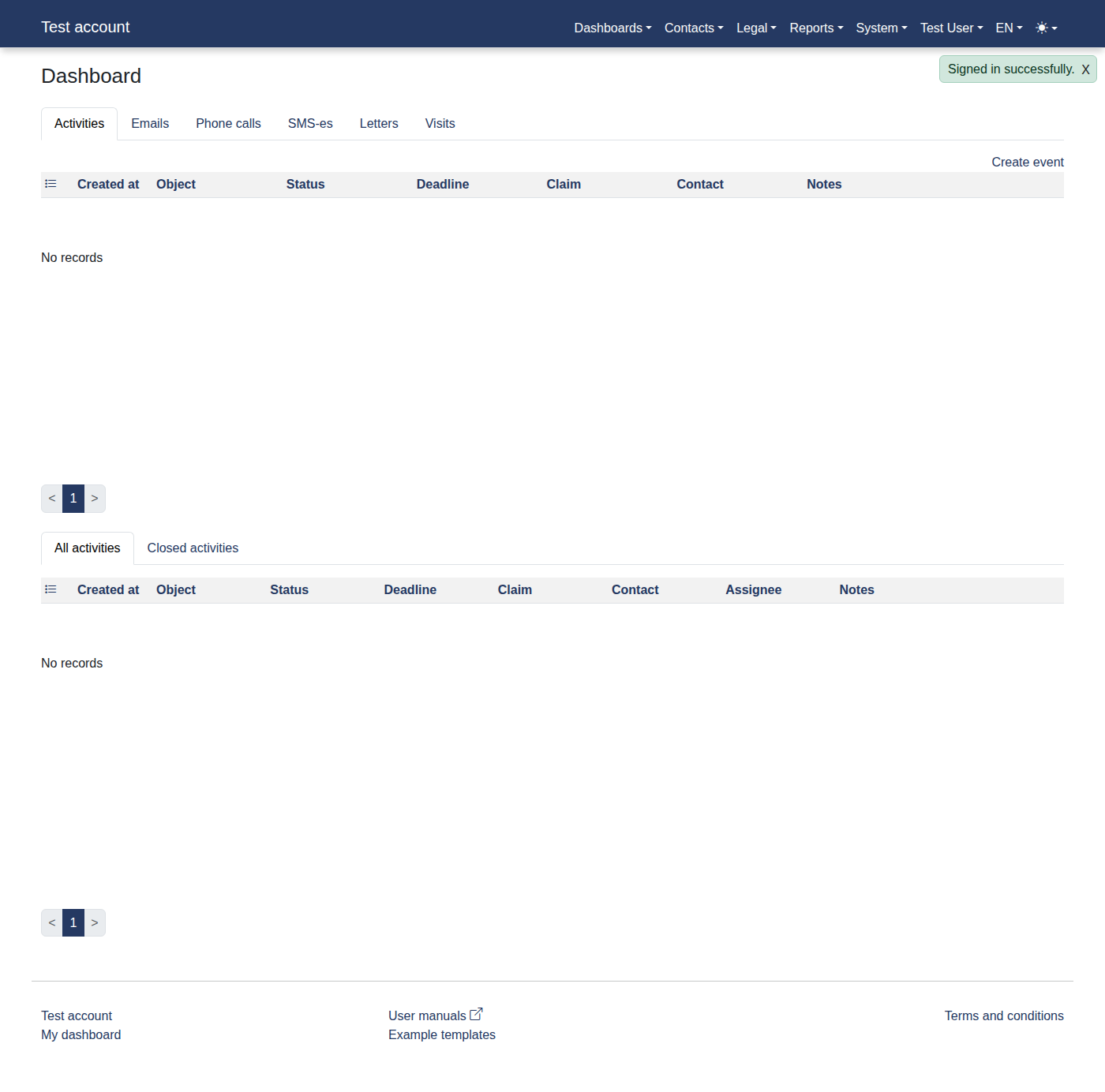
- Please log in to the system to access "Dashboard"
- Click menu items: "Contacts -> Persons"
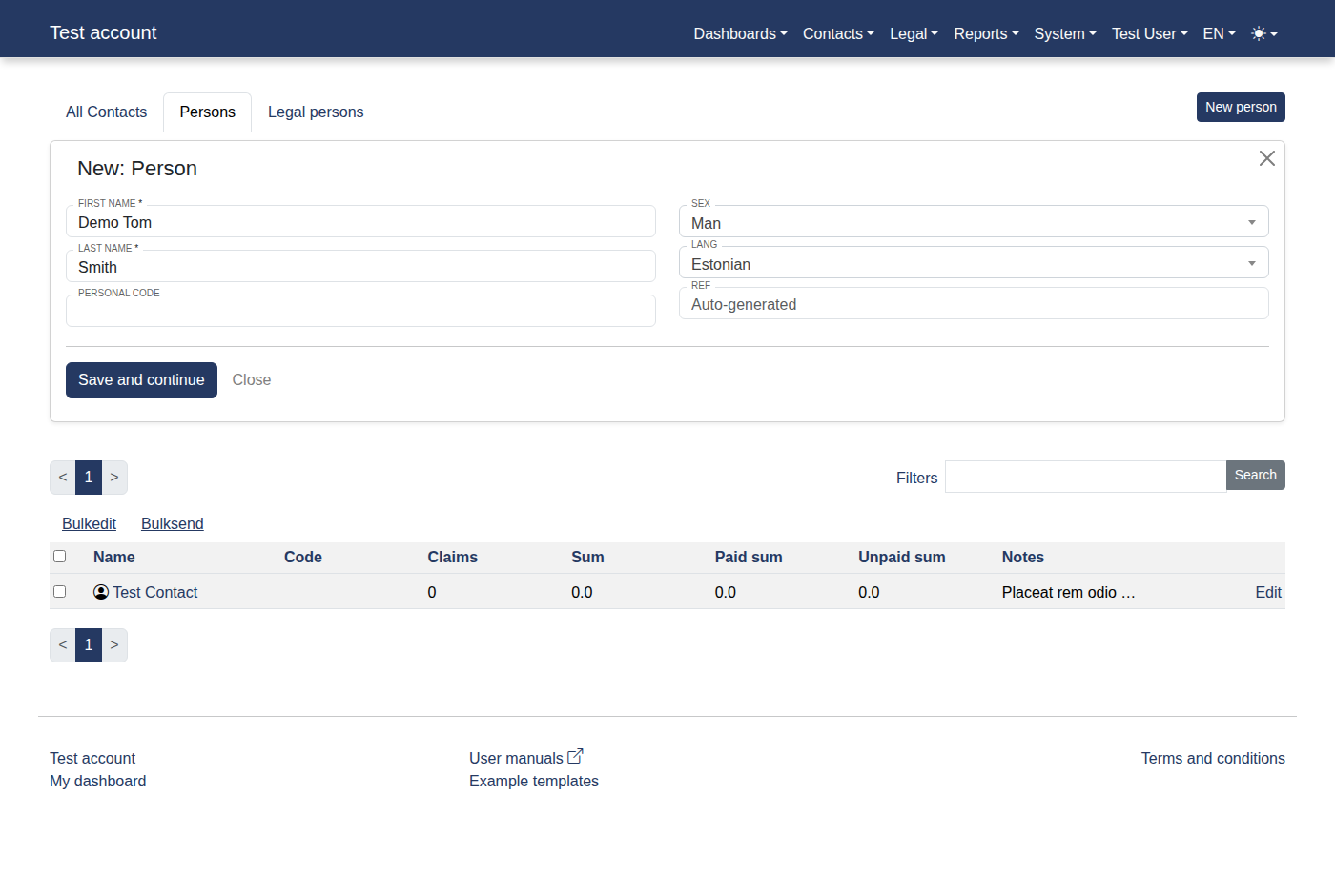
- Click a link "New person"
- Fill First name with "Demo Tom"
- Fill Last name with "Smith"
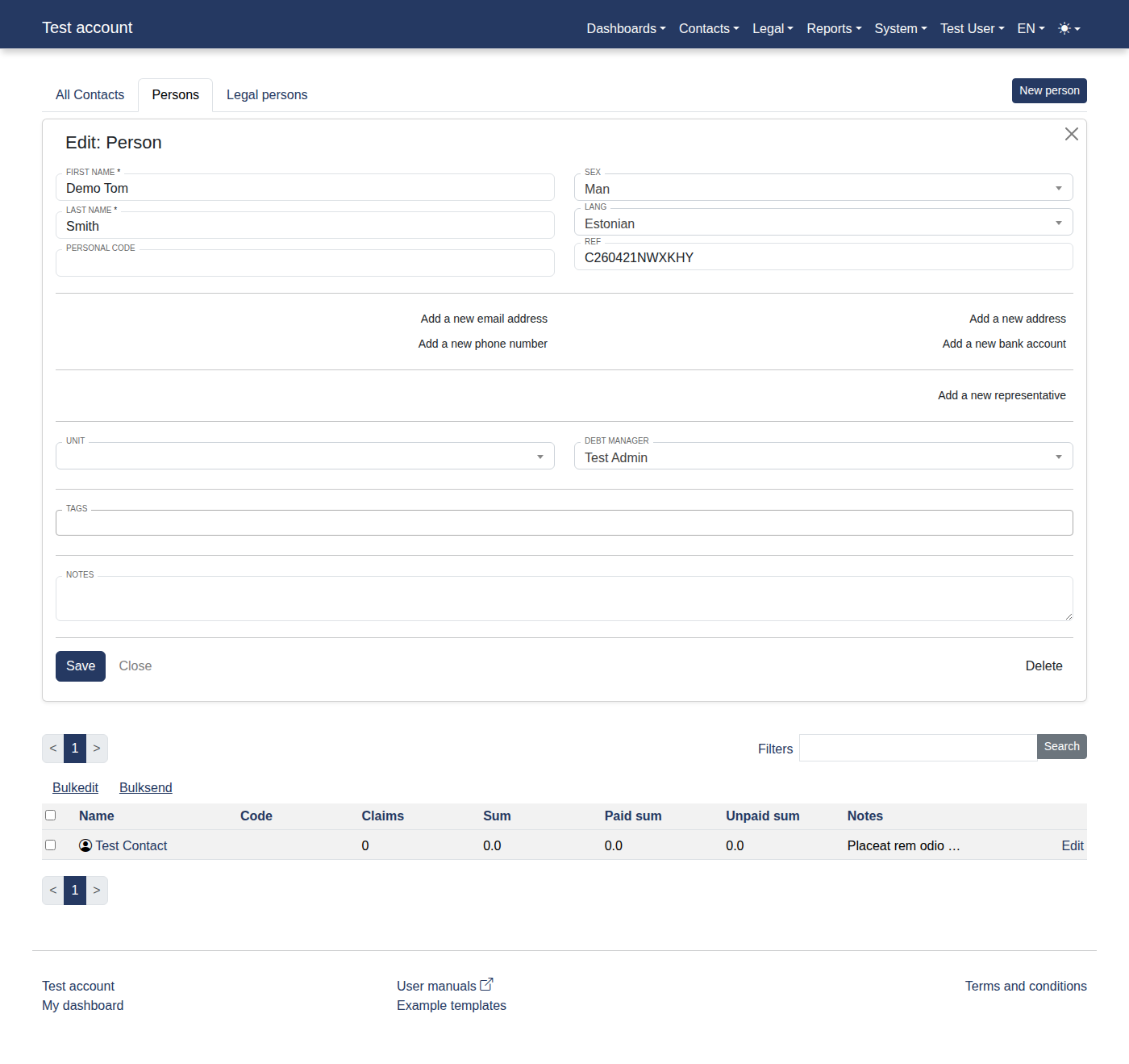
- Click on "Save and continue"
- Click on "Save"
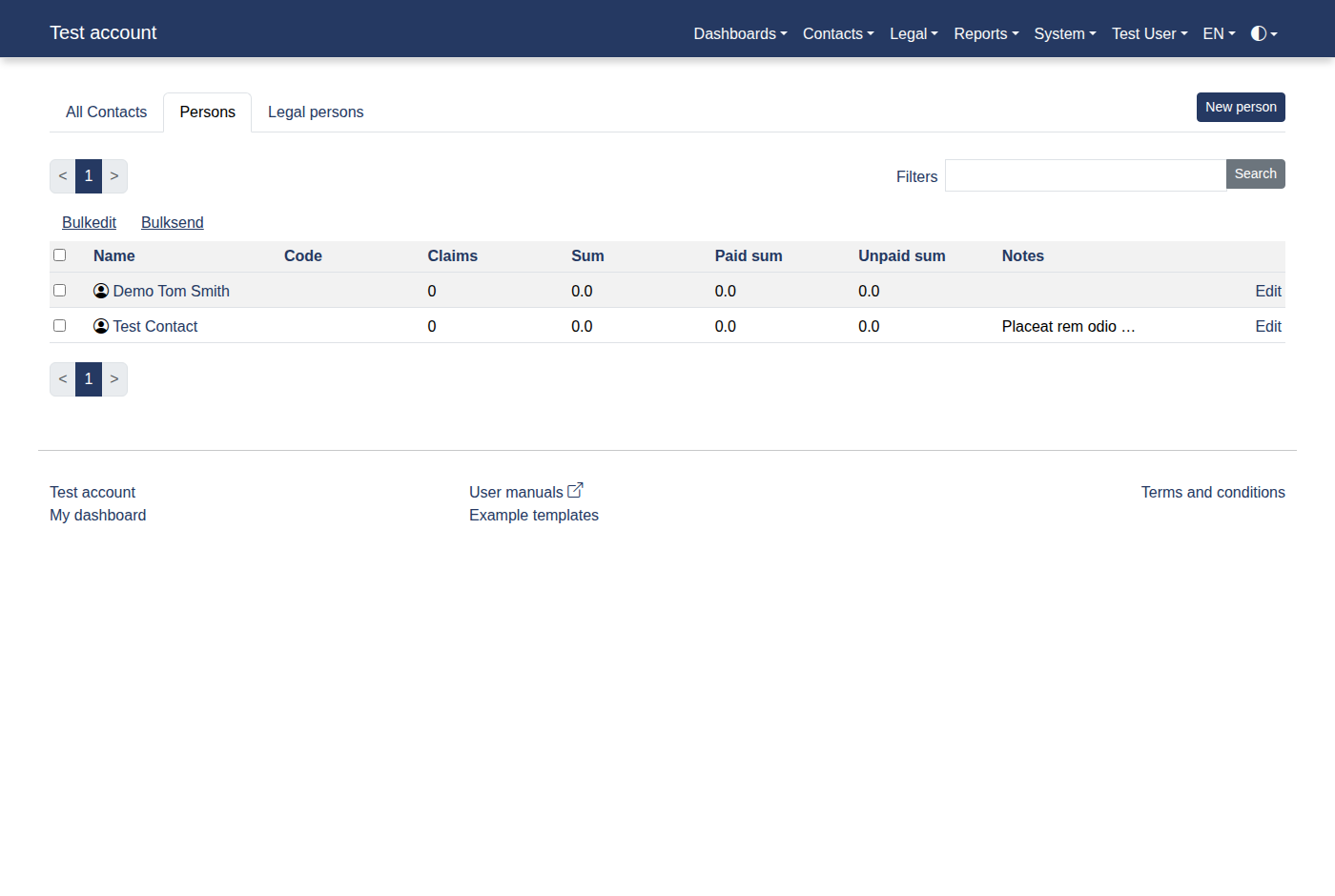
- You will see "Demo Tom Smith"
- Click a link "Demo Tom Smith"